- !imaginaryfairies@lemmings.world
- !yoursinclair@retrolemmy.com
- !britishcomedy@feddit.uk
- !beds@feddit.uk
- !raining@sh.itjust.works
I think the rest of my communities haven’t seen activity lately, so I’ll have to post in them first!


Avatar is a lemming in bed because this account wasn’t intended to be used except for creating communities… and then my instance announced it was closing.
I think the rest of my communities haven’t seen activity lately, so I’ll have to post in them first!

Maybe you’re looking for !folklore@mander.xyz
Why? Because they’re mine and they need more love.

True, but the Switch was a big rethink so retaining backwards compatibility would have been tricky.
The 3DS had backward compatibility with physical DS games. The Wii U had backward compatibility with Wii games (the Wii could also play GameCube games). No surprises here - especially if they are going to call it “Switch 2” I’d have been surprised if it wasn’t compatible.
3DS cartridges had an extra notch on them to stop them being inserted into a DS. Probably we’ll get something similar here or there will be some software mechanism to stop attempts to run the new games on the old system.

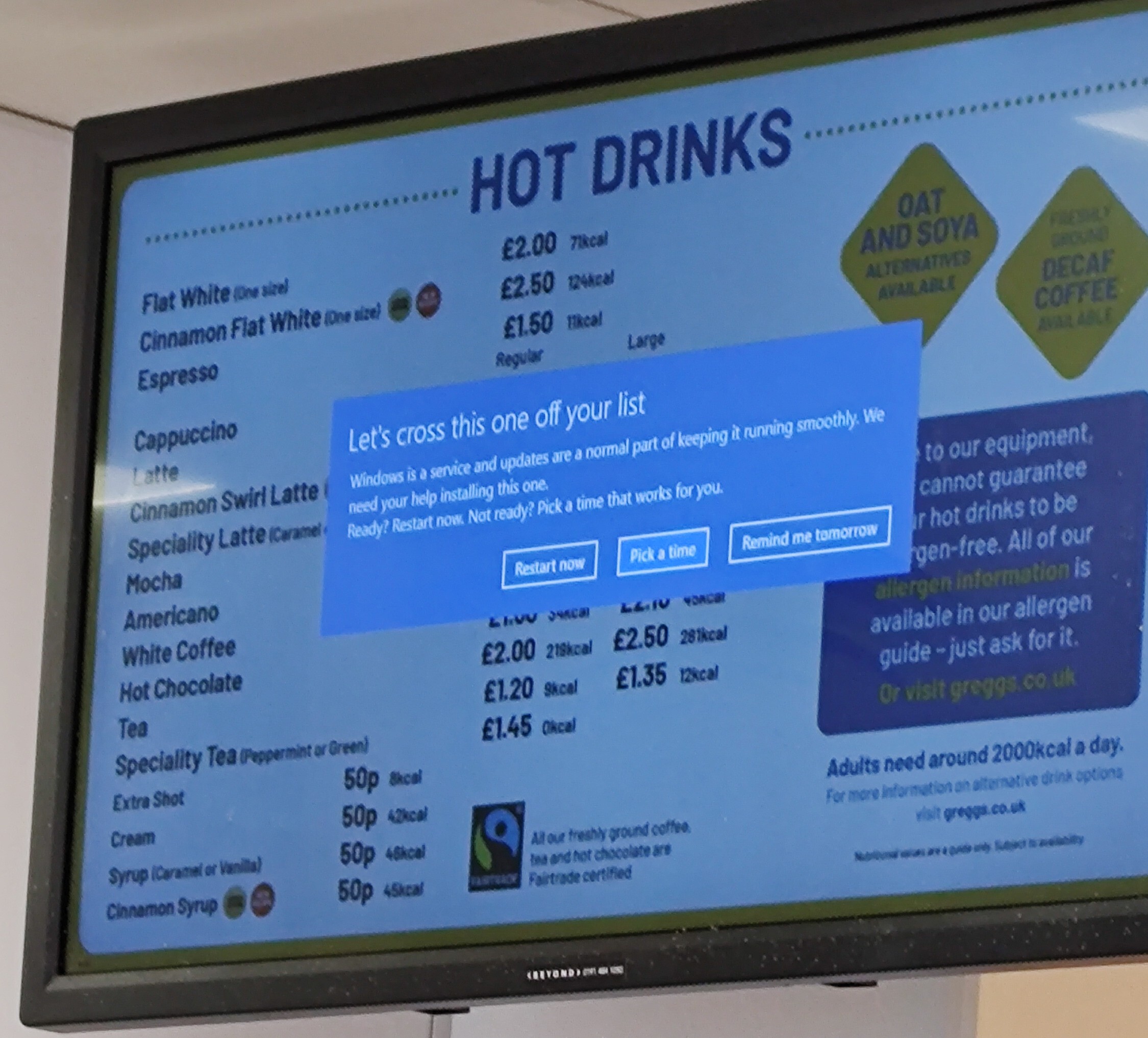
I’d love to get a job at one of these display board companies (or the local IT if they do it themselves), and tell them I can save them thousands.
A Pi Zero 2W, TFTP boot, you’ve saved masses of hardware cost and saved yourself a Windows licence.
Replicate that for all the displays over all the stores, done.
This was in Gregg’s.

Yeah, same. I set it up as it looked like the best way to control my inverter - I wanted to set it to charge from the grid when electricity was free, and discharge during saving sessions without having to do it manually. I then expanded to trying to calculate how much charge I needed overnight in cheap rate based on the solar forecast for the next day…
Anyway, I now have everything on it and keep thinking of things to add.

Depends how many sugars. At least three heaped teaspoons should qualify, two is borderline.
I think that screen might be the “order ready for collection” one, so presumably it does have some sort of connection to the ordering system?

I don’t know anything about Pinboard, but if you do decide to change you might want to look at the Fediverse enabled Postmarks.

There’s also some sort of soft blocking option, which largely hides the instance AIUI but still gives the ability to follow users. This seems like a better option rather than completely defederating.
If Meta want to scrape your data they can do that anyway. All defederation does is stops you looking at their stuff (which, as you say, can be blocked at the user level anyway)
To be fair, they say the previous books they’ve enjoyed have been short… Not that they want to read something short this time! But point taken.
The Mistborn Trilogy (start with The Final Empire) by Brandon Sanderson is superb.
After that initial trilogy they are a massive struggle, but the first three are well worth reading.
Why do people use Windows for these displays?
I think it’s complaining that the setup isn’t found, maybe trying to update or repair?

Hello! Not a woman, but from what I’ve heard I understand the hiding. Frankly the men that do that sort of thing need a kick up the arse and I will never understand what it’s supposed to achieve.

No, it’s a cross platform standard. You can even run a server on Linux interfacing with SANE to convert older scanners.
I looked up the non-Apple name and it’s eSCL. That’s a lot easier to search for.


















I was going to put Bedfordshire in brackets next to that, but I forgot. I knew it could cause confusion!